Module Apps
Accurids can be extended with modules: optional applications that run inside your Accurids deployment and build on the core platform. A module adds its own app with its own pages, while relying on Accurids for data, permissions, and user management. Which modules are available depends on your deployment.
Everything a module does on your behalf runs as your user account. A module never grants you access to data you could not see in the core Accurids app.
Switching Between Apps
When at least one module app is available, an app switcher appears at the far left of the header. Click it to see all available apps:
- Accurids: the core application.
- One entry per active module that ships its own user interface.
The app you are currently using is highlighted. Select another entry to switch to it.
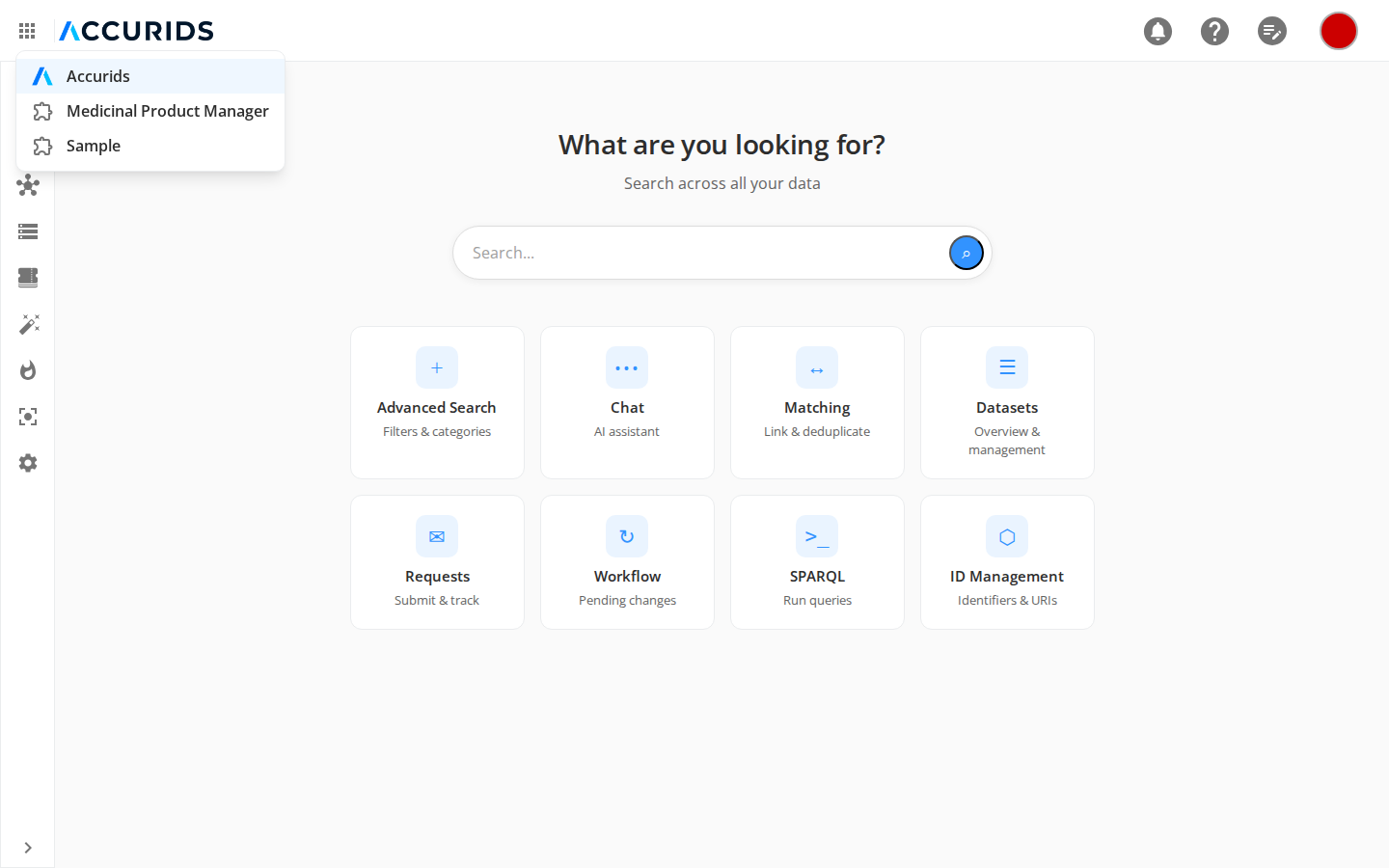
If no module apps are available on your deployment, the app switcher is not shown.
Inside a Module App
A module app opens at its own address (/modules/<module-id>) and has its own side menu listing the module's pages. The header stays the same, and you can return to the core Accurids app at any time through the app switcher.
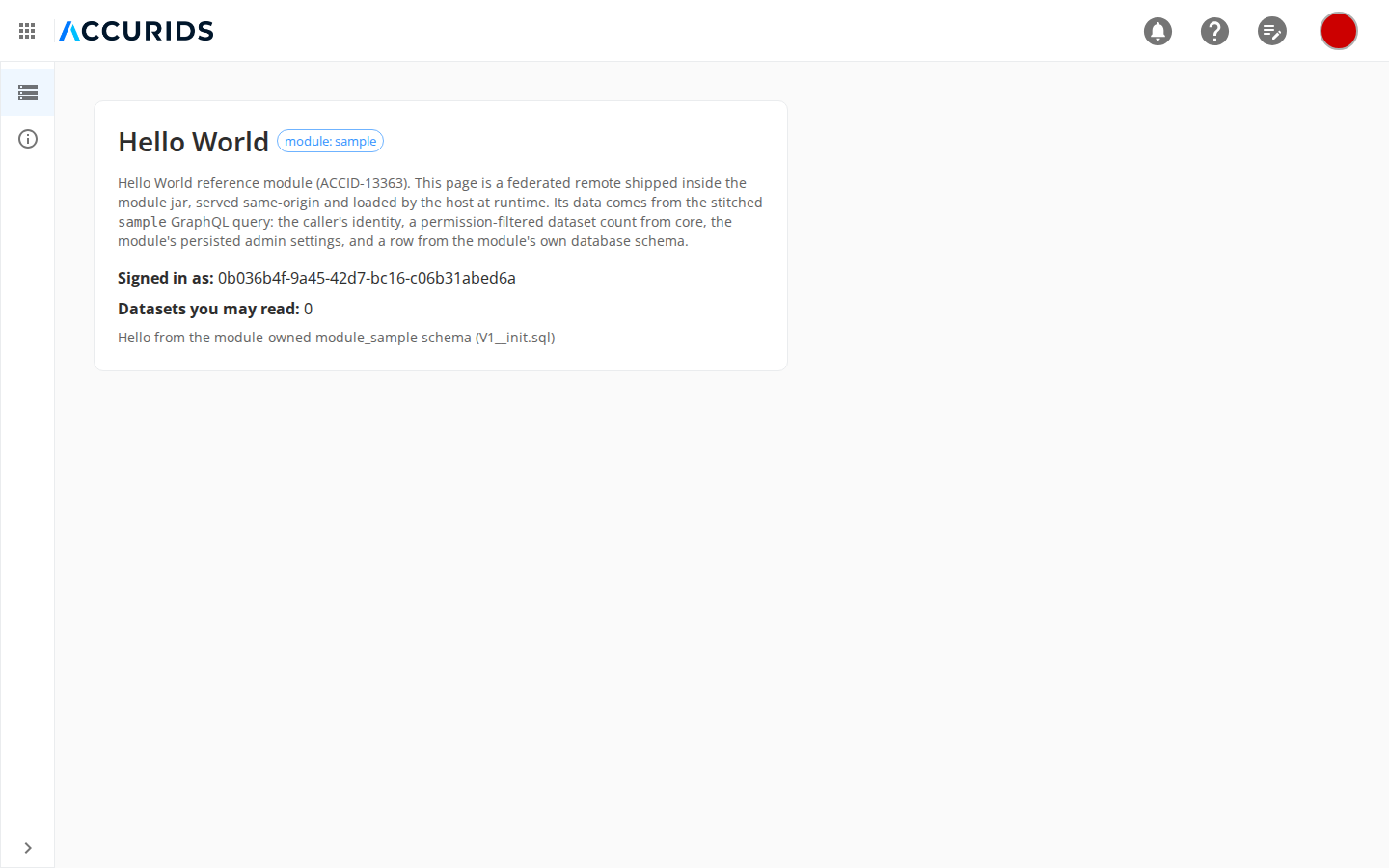
Modules are versioned and released independently of the Accurids platform. Administrators can review the installed modules and their versions under the Modules menu in the Admin view (see Modules in the Admin Guide).